AI Audiobook Generator: How to Turn a Book Into an Audiobook
Learn how to turn a book into an audiobook with an AI audiobook generator. Explore script preparation, voice selection, chapter production, and audio quality checks.
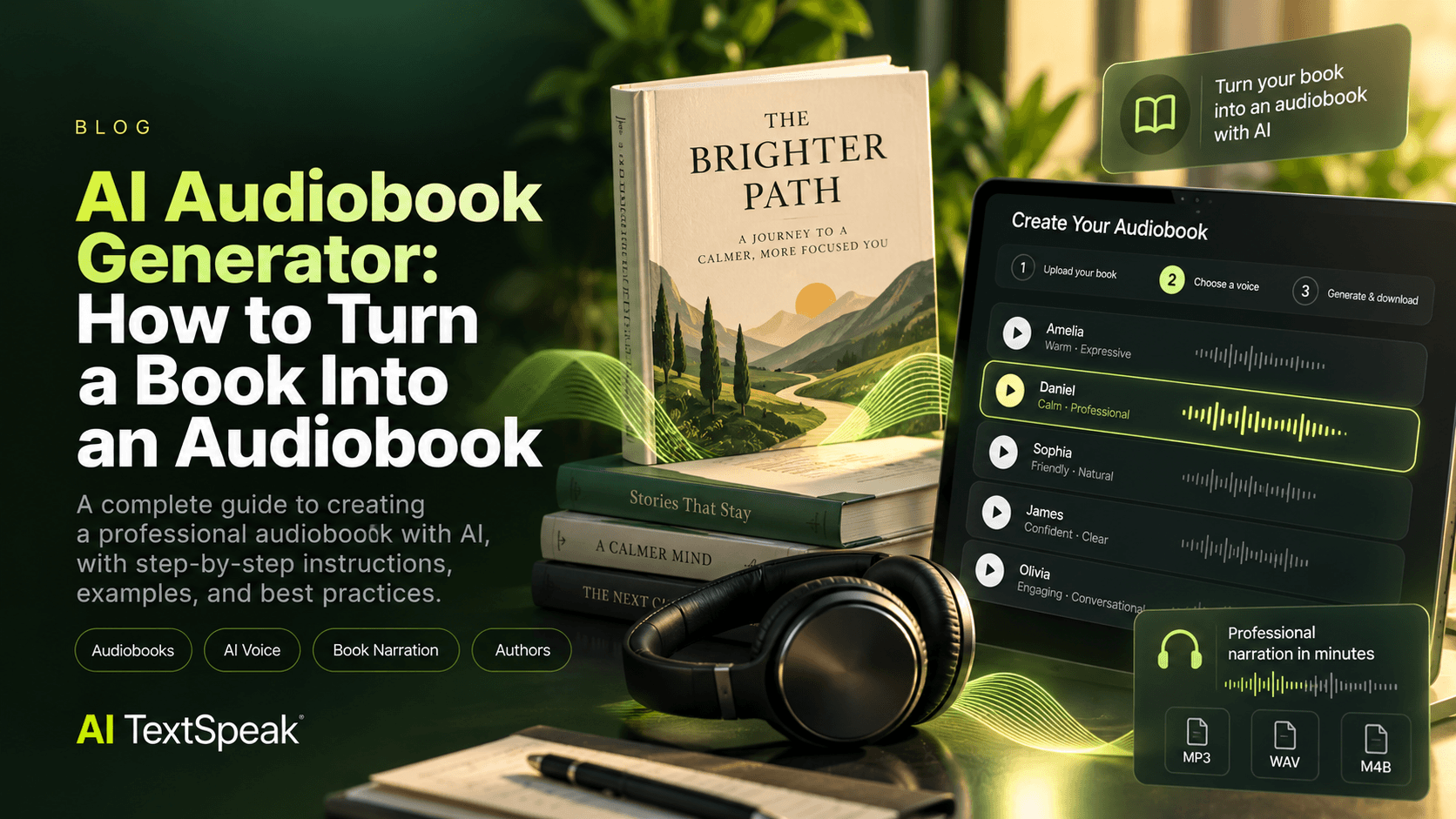
Turning a book into an audiobook can help authors reach readers who prefer listening to reading. It can also make a published work available in a format that fits commutes, workouts, and everyday routines.
But audiobook production involves more than converting written words into speech. You need a clean manuscript, a suitable narrator, consistent pronunciation, well-organized chapters, and a final quality check.
An AI audiobook generator can simplify much of this process by turning written text into spoken audio. In this guide, you'll learn how to convert a book into an audiobook with AI, prepare your manuscript, choose a voice, generate your recordings, and review the result.
What Is an AI Audiobook Generator?
An AI audiobook generator is a text-to-speech tool that converts written content into spoken audio using a synthetic voice. Depending on the platform, you may be able to select different voices, languages, and speaking styles before generating your recordings.
Authors and publishers can use this technology to produce narration for books, short stories, educational materials, and other long-form written content.
AI narration can be especially useful when you want to explore audiobook production without coordinating a traditional recording session. However, the quality of the final result depends on the voice, manuscript preparation, production workflow, and review process.
Can You Turn an Entire Book Into an Audiobook With AI?
Yes, you can use AI text-to-speech to create narration for an entire book. For longer manuscripts, however, it is usually better to work chapter by chapter or in manageable sections rather than generating everything as one large recording.
This approach makes it easier to review pronunciation, correct errors, maintain consistency, and replace individual sections without regenerating the entire book.
Before starting, check the platform's text limits, supported file types, export options, and applicable usage rights. Some tools accept document uploads, while others require you to paste text into an editor.
How to Turn a Book Into an Audiobook With AI
Step 1: Prepare Your Manuscript
Start with the final, edited version of your book. Correct spelling errors, remove unnecessary formatting, and make sure chapter titles and section headings are clearly identified.
Pay particular attention to elements that may not translate naturally into speech:
- Footnotes and endnotes
- Tables, charts, and image captions
- URLs and email addresses
- Abbreviations and acronyms
- Foreign words and character names
- Mathematical expressions and symbols
Decide how these elements should be narrated, summarized, or omitted based on the type of book and the needs of your listeners.
Step 2: Divide the Book Into Chapters
Organize your manuscript into individual chapters or sections before generating audio. This makes production easier to manage and gives you more control over the finished audiobook.
Use a consistent naming convention, such as:
- 01 - Introduction
- 02 - Chapter One
- 03 - Chapter Two
- 04 - Chapter Three
- 05 - Conclusion
Keep a record of which sections have been generated, reviewed, and approved. This is especially helpful for long books or projects with multiple contributors.
Step 3: Choose the Right AI Narrator
The voice you select influences how listeners experience your book. A voice that works well for a business guide may not be the best fit for a mystery, romance, memoir, or children's story.
Consider these characteristics when choosing a narrator:
- Clarity: Words should be easy to understand during extended listening sessions.
- Pacing: The narration should feel comfortable rather than rushed.
- Tone: Match the voice to the subject and intended audience.
- Pronunciation: Names, places, and specialized terminology should sound correct.
- Consistency: The voice should work throughout the entire book, not just in a short sample.
Generate a sample using a representative passage from your manuscript before committing to a voice for the full project.
Step 4: Generate a Test Chapter
Before producing the entire book, select a short section that includes typical sentences, dialogue, names, numbers, and any challenging vocabulary.
Listen to the recording and evaluate whether the voice sounds appropriate for the material. Adjust the text or voice settings if the narration feels unnatural.
This small test can help you identify issues before they affect hours of audio.
Step 5: Generate the Audiobook Chapter by Chapter
Once the test sounds right, generate the remaining sections using the same narrator and a consistent production approach.
For every chapter:
- Confirm that the source text is correct.
- Generate the narration.
- Listen to the beginning and end of the recording.
- Review difficult pronunciations and unusual pauses.
- Save the approved audio with a clear file name.
For longer projects, keep a production tracker so you can identify incomplete chapters and track revisions.
Step 6: Review and Edit the Audio
AI-generated narration still requires quality control. A recording may contain an awkward pause, an incorrectly pronounced name, a skipped phrase, or an unnatural sentence rhythm.
Review each chapter for:
- Mispronounced words and names
- Missing or repeated text
- Unexpected pauses
- Inconsistent volume
- Unnatural sentence transitions
- Audio that starts or ends abruptly
Correct the source text or generation settings where possible, then regenerate the affected section. For large projects, listen to every chapter in full before considering the audiobook finished.
Step 7: Organize and Export the Final Audio
Keep chapter files in the correct order and use consistent file names. If your workflow requires a single continuous file, combine the approved chapters and check the transitions between them.
Choose an export format supported by your chosen tool and intended distribution platform. MP3 is commonly used for audio distribution, while other formats may be required for particular publishing workflows.
Do not assume that generating audio automatically produces a distribution-ready audiobook. Requirements for file formats, loudness, metadata, chapter navigation, and delivery can vary by platform.
Best AI Voice Styles for Different Books
| Book Type | Voice Characteristics to Consider |
|---|---|
| Business and nonfiction | Clear, steady, professional delivery |
| Memoirs | Warm, conversational narration |
| Fiction | Expressive delivery with natural dialogue |
| Educational books | Measured pacing and clear pronunciation |
| Short stories | A tone that supports the mood and genre |
| Children's books | Engaging, approachable narration appropriate for the audience |
These are starting points rather than strict rules. Always test voices with your actual manuscript, since a voice that sounds excellent in a demo may not suit your book.
How Long Does It Take to Generate an AI Audiobook?
Production time depends on the length of the manuscript, the speed and limits of the generation tool, the number of revisions, and the amount of quality control required.
Generating a short passage may take very little time, but a full-length book requires additional work to prepare the text, process chapters, review audio, and organize the final files.
AI can reduce the need for traditional recording sessions, but it does not eliminate the need for careful production and review.
How Much Does It Cost to Make an Audiobook With AI?
The cost depends on the tool and plan you choose, how much text you need to generate, and whether you need additional editing or audio production.
When comparing options, look beyond the starting price. Check:
- How much text or audio is included in the plan
- Whether long-form generation is supported
- Which voices and languages are available
- Whether you can regenerate corrected sections
- What export options are provided
- Which commercial or distribution rights apply
Review current plan details and license terms before using generated audio in a commercial audiobook.
AI Narration vs. Hiring a Human Narrator
AI narration and human narration can both be appropriate for audiobook production. The best option depends on your budget, creative goals, audience, and distribution requirements.
| Factor | AI Narration | Human Narration |
|---|---|---|
| Production workflow | Generate audio from text | Recording and audio production are required |
| Text revisions | Individual sections can be regenerated | Changed passages may need rerecording |
| Performance | Depends on the available synthetic voice | Offers human interpretation and directed performance |
| Consistency | Can maintain the same selected voice | Depends on the recording and production process |
| Best fit | Projects prioritizing speed, repeatability, or scalable production | Projects where distinctive performance is central |
Some authors may also consider a hybrid approach, using AI narration for certain materials while commissioning a human narrator for projects that require a specific performance style.
Can You Sell an AI-Generated Audiobook?
Possibly, but the answer depends on the rights to the original book, the AI voice platform's license, and the rules of the distributor where you plan to publish.
Before selling or distributing an audiobook, make sure that:
- You own the necessary rights to the manuscript or have permission to adapt it.
- Your AI voice platform permits the intended commercial use.
- Your chosen distributor accepts the type of AI-generated narration you plan to submit.
- You meet applicable disclosure, metadata, and content requirements.
- You have reviewed any restrictions on the generated audio.
Do not assume that access to a voice generator automatically grants every right needed to publish or sell an audiobook. Check the current terms of the tool and distribution platform.
Common Mistakes to Avoid
- Generating the entire manuscript before testing a voice
- Using a manuscript that has not been edited
- Ignoring names, abbreviations, and specialized terms
- Changing narrator voices between chapters unintentionally
- Skipping the audio review process
- Failing to check export and distribution requirements
- Assuming commercial rights are included in every plan
AI Audiobook Production Checklist
Before publishing your audiobook, confirm that you have:
- Prepared and proofread the manuscript
- Organized chapters and section headings
- Tested and selected a suitable voice
- Generated every chapter
- Reviewed pronunciation and pacing
- Checked transitions and file order
- Exported audio in the required format
- Confirmed the relevant usage and distribution rights
Turn Your Book Into an Audiobook With AI TextSpeak
AI TextSpeak helps you turn written text into voice content using AI-generated narration. You can explore available voices and test how your manuscript sounds before planning the production of a complete audiobook.
Start with a representative passage, choose a voice that fits your book, and build your workflow around consistent chapters and careful review.
Explore AI TextSpeak to try AI voice generation for your next audiobook project.
You can also read our guide on how to create audiobooks with AI text-to-speech for another practical approach to audiobook production.
Final Thoughts
An AI audiobook generator can make it easier to turn a manuscript into spoken audio, but a professional result still depends on preparation, voice selection, chapter organization, and quality control.
Start small, test a real passage, and build your audiobook one chapter at a time. With a consistent workflow and a final review, you can create an audio version of your book that is easier to manage and ready for the next stage of your publishing process.
Ready to Try AI TextSpeak?
Create professional voiceovers in seconds with our AI technology.
Start free trial