AI Voice for IVR: Complete Guide to Professional Phone Prompts
Learn how AI voice technology can help businesses create professional IVR and phone prompts faster, with consistent voices, clear pronunciation, and scalable updates.
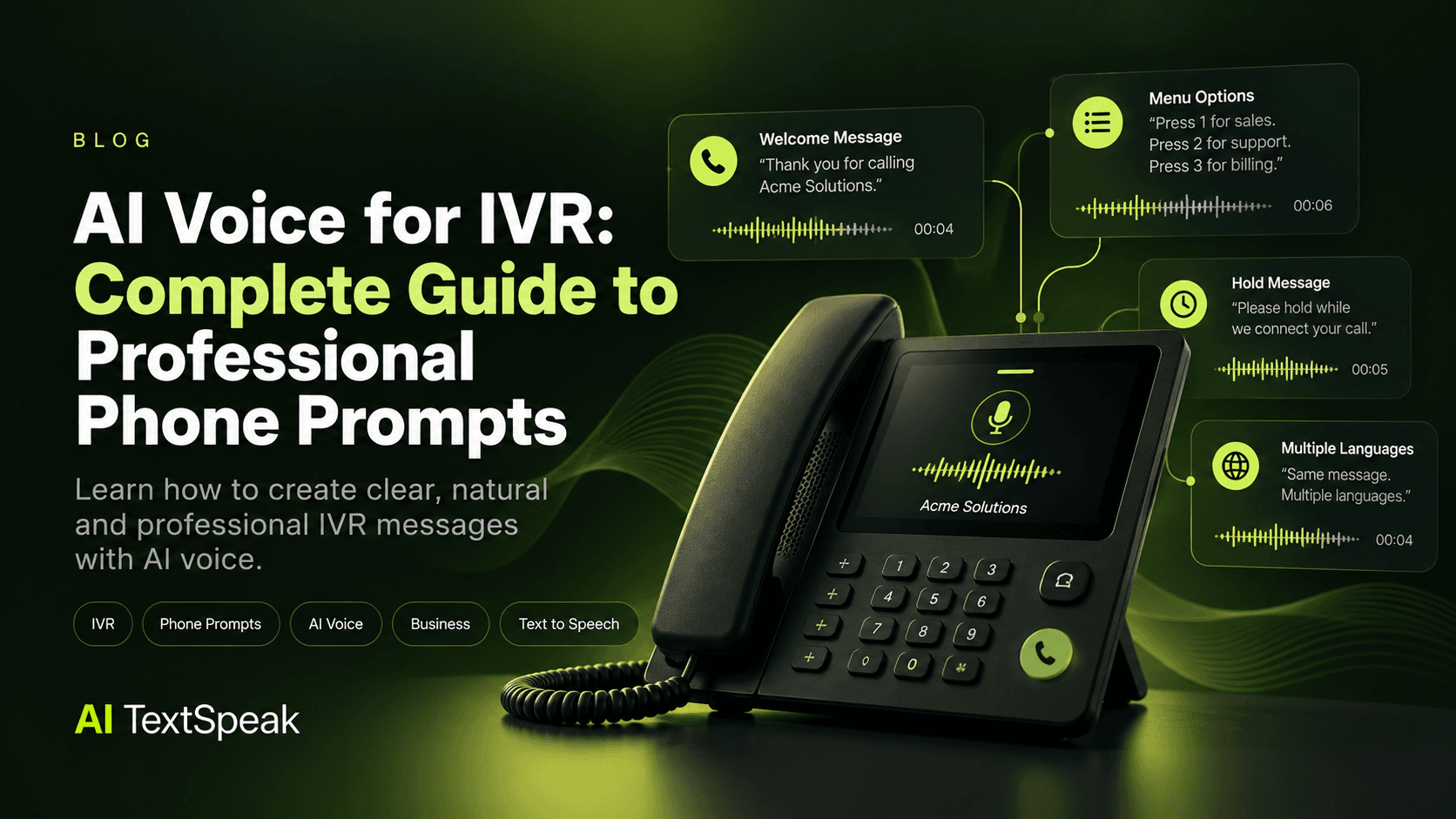
Every phone call starts with a voice.
For many businesses, that voice is the first thing customers hear when they call for support, sales, appointments, or general information. If the message sounds unclear, inconsistent, outdated, or overly robotic, it can make an otherwise professional business feel less polished.
That is where AI voice technology can help.
AI voice generators make it possible to create professional IVR and phone prompts without recording every message manually. Businesses can produce greetings, menu options, hold messages, voicemail prompts, and other phone system audio while keeping the voice and tone consistent.
In this guide, we’ll explain how AI voice works for IVR systems, what types of phone prompts you can create, how to write effective scripts, and what to consider when choosing an AI voice.
What Is an IVR Voice?
IVR stands for Interactive Voice Response. It is the automated phone system that interacts with callers before they reach a person or while they navigate a business's phone menu.
You have probably heard IVR voices such as:
- "Thank you for calling. Please listen carefully to the following options."
- "Press 1 for sales."
- "Press 2 for customer support."
- "Please hold while we connect your call."
- "Your call is important to us."
These recordings may seem simple, but they play an important role in the customer experience.
A professional IVR voice should be easy to understand, consistent across different messages, and appropriate for the business and audience.
Why Use AI Voice for IVR?
Traditional IVR production often requires recording individual scripts with a voice actor. That approach can work well, but it can become inconvenient when a business needs frequent updates.
For example, imagine a company changes its business hours, adds a new department, launches a new service, or changes its phone menu. A previously recorded prompt may need to be replaced.
AI voice can simplify this process.
1. Create prompts faster
Instead of scheduling a new recording session every time a message changes, you can generate a new audio file from an updated script.
2. Keep your voice consistent
Consistency matters when a phone system contains dozens of prompts. Using the same AI voice can help maintain a unified experience across greetings, menus, notifications, and hold messages.
3. Produce multiple variations
Businesses may need different messages for departments, locations, languages, or customer journeys. AI voice makes it easier to produce and test multiple versions.
4. Make updates easier
IVR systems often change over time. With AI-generated voice, updating a short prompt does not necessarily require recreating an entire recording project from scratch.
5. Support multiple languages
For businesses serving international customers, AI voice technology can also make it easier to create multilingual phone prompts while maintaining a consistent structure and tone.
What Types of IVR Prompts Can You Create With AI?
AI voice can be used for much more than a basic "thank you for calling" greeting.
Welcome and greeting messages
Start the customer experience with a clear and professional introduction.
Example:
"Thank you for calling Acme Solutions. We're happy to help. Please select from the following options."
Menu options
Create individual prompts that guide callers through your phone menu.
Examples include:
- Press 1 for sales.
- Press 2 for customer support.
- Press 3 for billing.
- Press 4 to speak with an operator.
Hold messages
Instead of leaving callers with silence, businesses can use short messages to provide useful information while customers wait.
After-hours messages
Tell customers when your business is closed and provide alternative ways to get help.
Voicemail prompts
AI voice can also be used for voicemail greetings and instructions.
Call routing messages
Large organizations may need prompts that direct callers to specific teams, offices, or locations.
How to Create an AI Voiceover for an IVR System
Creating professional phone prompts does not have to be complicated. A simple workflow can help you move from script to finished audio efficiently.
Step 1: Write the script
Start with the words callers actually need to hear.
Keep IVR scripts concise. Customers are usually calling because they want to complete a task, not listen to a long introduction.
Instead of:
"We would like to take this opportunity to thank you for contacting our company today, and we appreciate your patience as you navigate our automated telephone system."
Use:
"Thank you for calling. Please choose an option below."
Step 2: Choose the right voice
The voice should match the company and the purpose of the phone system.
Consider:
- Voice style
- Speaking speed
- Pronunciation
- Clarity
- Language and accent
- Professional tone
A conversational voice may work well for a customer-focused brand, while a more neutral delivery may be appropriate for technical or professional services.
Step 3: Generate the audio
Enter your approved script into an AI text-to-speech platform and generate the voiceover.
Listen carefully to the result before using it in your phone system. Names, acronyms, numbers, and industry-specific terminology may require adjustments to the script or pronunciation.
Step 4: Review the recording
Don't skip the quality-control step.
Listen for:
- Incorrect pronunciation
- Unnatural pauses
- Words that are difficult to understand
- Incorrect emphasis
- Numbers or dates that sound ambiguous
- Inconsistent terminology
Step 5: Prepare the files for your phone system
Once the recordings are approved, export them in the format required by your IVR or business phone provider.
The exact technical requirements can vary depending on the system you use, so check your provider's documentation before exporting your final files.
How to Write Better IVR Scripts
Good voice technology cannot fix a confusing script.
The writing itself should be designed for someone listening rather than reading.
Keep sentences short
Short sentences are easier to understand over a phone connection.
Give one instruction at a time
Avoid presenting too many choices in a single sentence. Structure your menu so callers can quickly identify the option they need.
Write numbers for speech
Numbers, abbreviations, and symbols may not always be pronounced the way you expect. Test important information in the generated audio.
Use natural punctuation
Punctuation can influence pacing and pauses in AI-generated speech. Experiment with sentence breaks when a recording sounds rushed or unnatural.
Read the script aloud
Before generating the final recording, read the script out loud yourself. If it feels awkward to say, it may also sound awkward when spoken by an AI voice.
AI Voice vs. Traditional IVR Recording
AI voice and human voice recording can both be useful depending on the project.
| Consideration | AI Voice | Human Recording |
|---|---|---|
| Speed of production | Can be generated quickly | Requires recording and production |
| Updating scripts | Easy to regenerate changed sections | May require another recording session |
| Consistency | Can maintain the same synthetic voice | Depends on the recording setup and talent |
| Multiple versions | Easy to generate variations | Requires additional recordings |
| Performance style | Depends on the available AI voice | Human actors can provide highly specific direction |
The right option depends on your brand, budget, production requirements, and how frequently your phone system changes.
What Makes an IVR Voice Sound Professional?
Professional IVR audio is not simply about choosing the most realistic voice.
The complete experience matters.
- Clarity: callers should understand every instruction.
- Consistency: prompts should sound like they belong to the same system.
- Pacing: callers need enough time to process instructions.
- Pronunciation: company names, products, and technical terms should sound correct.
- Conciseness: unnecessary words can make navigation frustrating.
- Brand fit: the voice should feel appropriate for the company.
Common Mistakes to Avoid With AI IVR Voices
Using overly long scripts
Long messages slow down the caller journey. Remove information that is not necessary for completing the task.
Choosing a voice based only on realism
The most human-sounding voice is not automatically the best choice. Clarity, pacing, pronunciation, and brand fit are equally important.
Not testing the audio on a phone
A recording can sound excellent through studio headphones and different once it passes through a telephone system. Test the final experience in the environment where customers will actually hear it.
Ignoring pronunciation
Business names, acronyms, product names, and locations can require special attention. Always review these sections before publishing the prompt.
When Should a Business Use AI Voice for IVR?
AI voice can be particularly useful for businesses that need to create or update multiple phone prompts, manage several departments, support multiple languages, or frequently change their phone menus.
It can also be useful when a business needs professional voice audio without setting up a full recording workflow for every small change.
Create Professional AI Voiceovers for Your Phone System
IVR is often one of the first interactions a customer has with a business. Clear, consistent voice prompts can make that interaction easier and more professional.
With AI voice technology, businesses can turn written scripts into polished voiceovers, create new prompts quickly, and make updates without rebuilding an entire recording project.
The key is to treat the process as more than simply generating audio: write concise scripts, choose an appropriate voice, test pronunciation and pacing, and listen to the final recordings in the context where customers will hear them.
Ready to turn your scripts into professional voiceovers? Explore AI TextSpeak and create AI-powered voice content for your next project.
Ready to Try AI TextSpeak?
Create professional voiceovers in seconds with our AI technology.
Start free trial