Best AI Voices for IVR
Discover the best AI voices for IVR systems and learn how to choose a voice that sounds clear, natural, professional, and easy to understand over the phone.
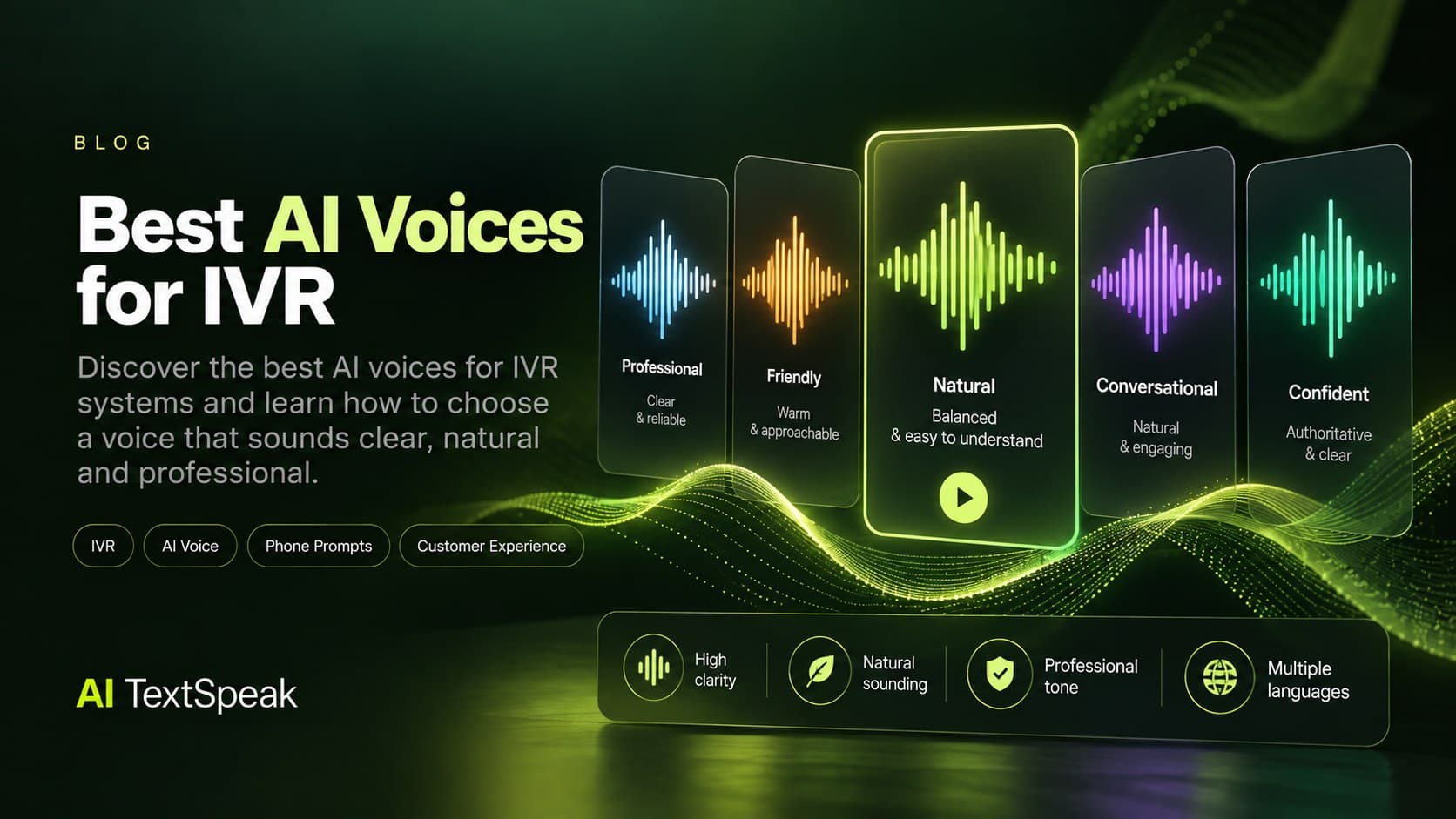
Choosing the right voice for an IVR system is about more than finding a voice that sounds realistic. A good IVR voice needs to be clear over the phone, easy to understand, professional, consistent, and pleasant enough that callers do not feel like they are talking to a machine.
In this guide, we’ll look at what makes an AI voice effective for IVR, which voice characteristics matter most, and how to choose the right voice for customer service, sales, billing, appointments, and other phone systems.
What Makes an AI Voice Good for IVR?
IVR audio is different from a YouTube video, podcast, or e-learning course. Callers may be using a mobile phone, dealing with background noise, or listening through a low-quality connection.
That means the best IVR voice is not necessarily the most dramatic or expressive voice. It is the one that communicates information clearly and consistently.
1. Clear pronunciation
Every word needs to be easy to understand. This is especially important for names, numbers, account information, department names, and instructions.
2. Natural pacing
An IVR voice should not rush through menu options. Short pauses between instructions help callers process what they just heard and decide what to do next.
3. Professional tone
The voice should match your brand and the expectations of your customers. A bank, healthcare provider, software company, and retail business may all require slightly different tones.
4. Consistency
Your welcome message, menu options, hold messages, error prompts, and after-hours messages should sound like they belong to the same system.
5. Intelligibility over phone connections
A voice can sound excellent in a studio and still perform poorly through a telephone connection. For IVR, clarity should take priority over overly complex emotion or dramatic delivery.
Best AI Voice Styles for IVR
There is no single voice that is perfect for every IVR system. The right choice depends on your industry, customers, brand personality, and the type of calls your system handles.
Professional and neutral voices
Neutral voices are one of the safest choices for business IVR systems. They sound professional without drawing too much attention to the voice itself.
They work particularly well for:
- Customer service menus
- Corporate phone systems
- Financial services
- Healthcare organizations
- Professional services
Warm and friendly voices
A warmer voice can make automated phone interactions feel less mechanical. This can be particularly useful for retail, hospitality, appointments, and customer support.
The goal is to sound approachable without becoming overly casual.
Confident and authoritative voices
Some businesses benefit from a voice that communicates confidence and reliability.
This style can work well for:
- Financial services
- Insurance
- Technology companies
- Business services
- Enterprise support systems
Conversational voices
Conversational AI voices can be useful when your phone system needs to feel more like a natural interaction rather than a traditional menu.
However, conversational does not mean overly expressive. For an IVR, clarity should still come first.
Best AI Voices for Different IVR Use Cases
| IVR Use Case | Recommended Voice Style | What to Prioritize |
|---|---|---|
| Customer Service | Warm and professional | Clarity, friendliness, natural pacing |
| Sales | Confident and energetic | Engagement, confidence, clear pronunciation |
| Billing | Neutral and professional | Accuracy, clarity, slower pacing |
| Appointments | Friendly and conversational | Natural delivery, numbers, dates and times |
| Technical Support | Calm and neutral | Clarity, consistency, precise pronunciation |
| After-Hours Messages | Warm and professional | Reassurance, clarity, concise delivery |
What to Test Before Choosing an IVR Voice
Before committing to a voice, test it with an actual IVR script rather than a generic sentence.
A good test should include the types of language your callers will actually hear.
Test numbers and dates
Use examples such as phone numbers, account numbers, dates, times, prices, and addresses. These are some of the easiest places for a synthetic voice to become difficult to understand.
Test menu instructions
Try a realistic sentence such as:
"For customer service, press 1. For billing and payments, press 2. For technical support, press 3."
Listen for whether the pauses feel natural and whether each option is clearly separated.
Test names and industry terminology
If your company uses specialized terminology, product names, locations, or people's names, include them in your test script.
Test the voice at telephone quality
Do not evaluate the voice only through studio-quality headphones. Listen to the recording through the type of phone system your customers will actually use.
AI Voice vs. Human Voice for IVR
Traditional IVR systems often rely on professionally recorded human voices. That approach can produce excellent results, but changing a single sentence may require another recording session.
AI voice technology makes it possible to generate and update IVR prompts much faster. This can be particularly useful when a company has frequently changing information, multiple departments, or many variations of the same message.
| Factor | AI Voice | Human Voice |
|---|---|---|
| Updating scripts | Fast | Requires new recording |
| Consistency | Highly consistent | Depends on recording sessions |
| Production speed | Fast | Slower |
| Voice customization | Depends on the platform | Depends on the voice talent |
| Scaling to many prompts | Easy | More time-consuming |
How to Choose the Right AI Voice for Your IVR
Instead of choosing a voice simply because it sounds impressive in a demo, evaluate it against your actual phone experience.
- Define your brand tone. Decide whether your company should sound professional, warm, confident, calm, or conversational.
- Write a realistic test script. Include greetings, menu options, numbers, names, and instructions.
- Listen for clarity. Make sure every word remains understandable.
- Check pacing. Callers should have enough time to process each option.
- Test multiple voices. Small differences in pronunciation and pacing can have a large effect on the caller experience.
- Test the final audio through your phone system. The real-world experience matters more than the studio preview.
Why AI TextSpeak Works for IVR Voiceovers
AI TextSpeak makes it easy to turn written IVR scripts into professional voiceovers without recording every prompt manually.
You can test different AI voices, generate audio from your script, and create files that can be used for customer-facing voice applications.
With a library of AI voices and support for multiple languages and accents, AI TextSpeak can help businesses create consistent voice content across different customer interactions.
Explore AI Voice for IVR and find a voice that fits your phone system.
Final Thoughts
The best AI voice for IVR is not necessarily the voice that sounds the most human. It is the voice that makes your callers understand what to do quickly and comfortably.
Prioritize clarity, pronunciation, pacing, consistency, and a tone that matches your brand. Then test the voice using the actual scripts your customers will hear.
When those elements come together, AI voice can turn a traditional phone menu into a faster, more consistent, and more professional customer experience.
Ready to Try AI TextSpeak?
Create professional voiceovers in seconds with our AI technology.
Start free trial