How to Write an IVR Script: Examples & Best Practices
Learn how to write an effective IVR script with practical examples, menu structures, and best practices for creating clear and professional phone prompts.
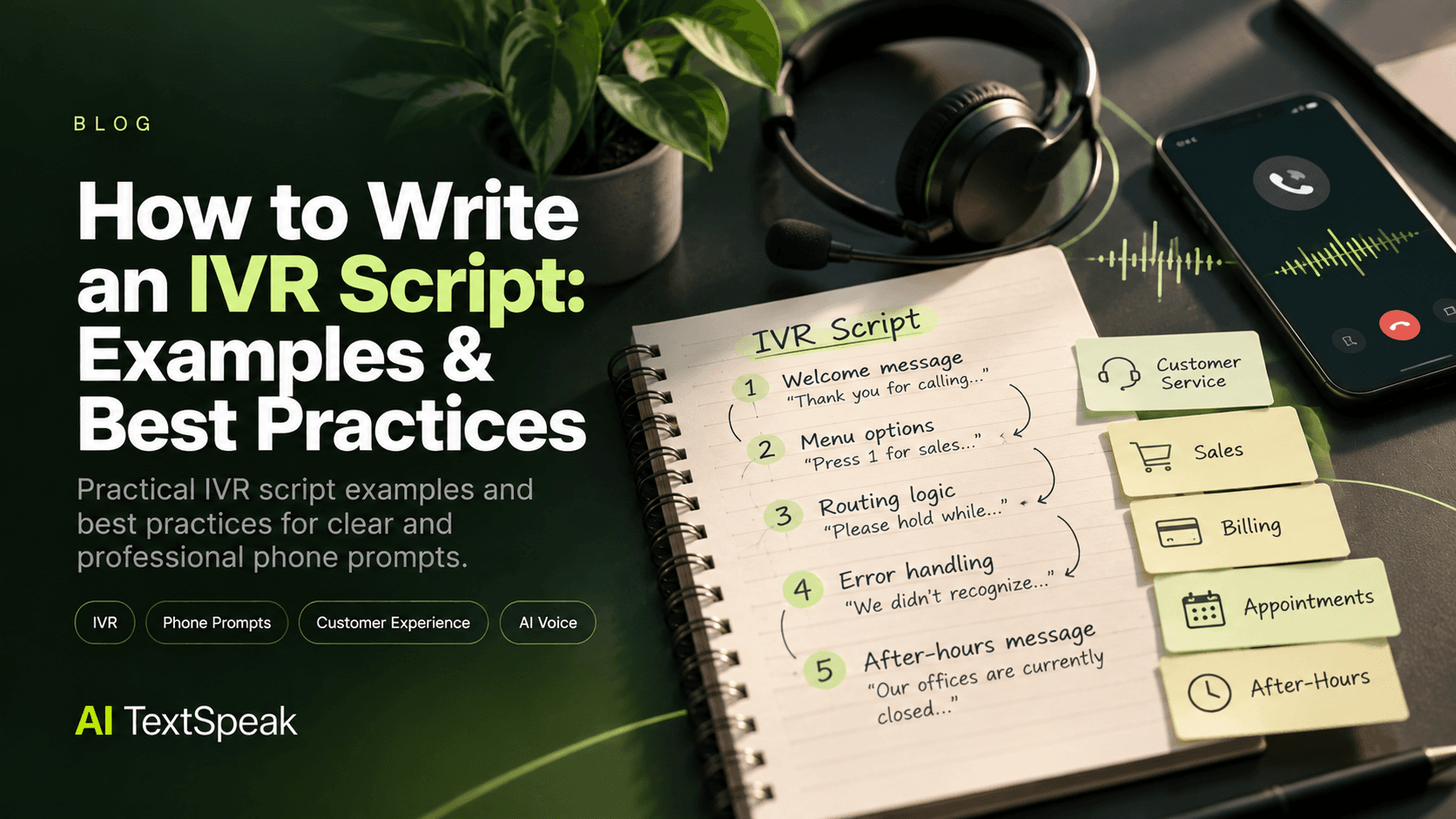
Writing an effective IVR script is about more than telling callers which buttons to press. A good script helps customers understand their options, reach the right destination quickly, and complete their task without unnecessary confusion.
Whether you're building a customer service phone system, setting up a business phone line, or improving an existing call flow, the words used in your IVR can have a major impact on the caller experience.
In this guide, you'll find practical IVR script examples for common business situations, along with best practices for writing clear, professional, and easy-to-navigate phone prompts.
IVR Script Examples
Every business has different needs, but the examples below show how a clear IVR structure can work in common scenarios.
1. Customer Service IVR Script Example
A customer service menu should help callers quickly identify the type of assistance they need.
Example:
"Thank you for calling Acme. Please choose from the following options."
- "For information about your order, press 1."
- "For technical support, press 2."
- "For billing questions, press 3."
- "To speak with a customer service representative, press 0."
This structure keeps the main menu focused on common customer needs while providing a clear path to a human representative.
2. Sales IVR Script Example
A sales-focused IVR can route new prospects to the appropriate team without making the menu unnecessarily complicated.
Example:
"Thank you for calling Acme. If you're interested in our products or services, we'd be happy to help."
- "For new customers, press 1."
- "For a product demonstration, press 2."
- "For information about pricing, press 3."
- "For all other inquiries, press 0."
3. Billing IVR Script Example
Billing calls often involve specific tasks, so the menu should make those actions easy to identify.
Example:
"You've reached Acme Billing."
- "To make a payment, press 1."
- "To ask about a recent charge, press 2."
- "To update your billing information, press 3."
- "To speak with a billing specialist, press 0."
4. Appointment Scheduling IVR Script Example
Appointment-based businesses can use IVR menus to separate new bookings from changes to existing appointments.
Example:
"Thank you for calling BrightCare."
- "To schedule a new appointment, press 1."
- "To change or cancel an appointment, press 2."
- "For questions about an existing appointment, press 3."
- "To speak with our front desk, press 0."
5. After-Hours IVR Script Example
An after-hours message should tell callers when the business will be available and provide alternatives when appropriate.
Example:
"Thank you for calling Acme Support. Our offices are currently closed. Our regular business hours are Monday through Friday, 8 a.m. to 6 p.m."
- "To leave a voicemail, press 1."
- "For emergency assistance, press 2."
- "To hear our business hours again, press 3."
What Makes a Good IVR Script?
A good IVR script makes the next step obvious. Callers should be able to understand their options without listening to a long introduction or navigating through unnecessary menus.
An effective IVR script should be:
- Clear: Use language that is easy to understand when heard aloud.
- Concise: Keep prompts short and remove unnecessary information.
- Logical: Organize options around what callers actually need.
- Consistent: Use the same terminology throughout the phone system.
- Actionable: Tell callers exactly what they can do next.
- Accessible: Make instructions easy to follow without relying on visual information.
How to Write an IVR Script Step by Step
1. Identify Your Callers' Most Common Goals
Start by identifying why people call your business.
Common goals might include:
- Checking an order
- Making a payment
- Scheduling an appointment
- Getting technical support
- Requesting a product demonstration
- Speaking with a representative
Build your IVR around these goals rather than simply reproducing your company's internal departments.
2. Create a Simple Menu Structure
Once you understand your callers' needs, group them into logical menu options.
For example:
- Press 1 for Sales
- Press 2 for Customer Support
- Press 3 for Billing
- Press 0 to speak with an agent
If you have many services, use additional menus rather than putting every possible option into the main menu.
3. Put Common Options First
The order of your menu matters. Put frequently requested options where callers can find them quickly.
Use data from your phone system, call center, or customer service team to understand which options are used most often.
4. Use Natural, Conversational Language
IVR prompts should sound natural when spoken aloud.
Compare:
Less effective: "Please utilize the corresponding numerical selection for the department with which you wish to establish communication."
Better: "For customer support, press 2."
The second version is shorter, clearer, and easier to understand.
5. Make Every Prompt Actionable
Callers should know what to do after hearing each prompt.
Instead of simply saying:
"We're experiencing higher than normal call volume."
Give the caller an option:
"We're experiencing higher than normal call volume. Please stay on the line, or press 1 to request a callback."
6. Include a Human Support Option
Automated systems should not leave callers feeling trapped. When appropriate, provide a clear way to reach a representative.
For example:
"To speak with a customer service representative, press 0."
If your system uses another key or voice command, make that option clear in the prompt.
7. Plan for Errors and Unexpected Inputs
Callers may enter an incorrect number, provide an invalid response, or remain silent.
Your IVR should have a clear fallback message.
Example: "We didn't recognize that selection. Please enter a valid option from 1 to 3."
You can also provide a limited number of retries before routing the caller to an alternative option, such as voicemail or a representative.
IVR Script Best Practices
Keep Your Prompts Short
Long prompts increase the amount of time callers spend listening before they can take action. Remove information that does not directly help the caller complete the task.
Limit Menu Options
A long list of choices can be difficult to remember. Keep the main menu focused and move detailed options into secondary menus when necessary.
Avoid Repeating Information
Repeating the same instructions across multiple menus can make the experience feel slow and frustrating.
Give callers the information they need at the point where they need it.
Use Consistent Terminology
If you call a service "Customer Support" in one menu, avoid calling the same service "Customer Assistance" somewhere else.
Consistent terminology makes the system easier to understand.
Design for Listening, Not Reading
Website copy can be scanned visually. IVR scripts cannot. Callers have to process every word through audio.
Read your script aloud before recording it. If a sentence sounds complicated when spoken, simplify it.
Give Callers a Way Back
For more complex IVR systems, consider providing an option to return to the previous menu or the main menu.
This gives callers a way to recover if they choose the wrong option without having to restart the entire call.
Common IVR Script Mistakes to Avoid
- Using overly long introductions
- Offering too many options at once
- Using technical or complicated language
- Hiding the option to speak with an agent
- Repeating the same information unnecessarily
- Providing unclear error messages
- Organizing menus around internal departments instead of caller needs
- Using outdated business information
- Failing to test the script by listening to it aloud
How to Test an IVR Script
Writing the script is only the first step. Before deploying your IVR, test the complete call flow from the perspective of a caller.
Ask testers to complete common tasks such as:
- Finding customer support
- Making a payment
- Changing an appointment
- Reaching a representative
- Recovering from an incorrect selection
Pay attention to how long it takes to reach the correct destination and whether testers understand the instructions without additional explanation.
How AI Voice Can Bring Your IVR Script to Life
Once your script is ready, you need professional audio for each prompt.
AI voice technology can help businesses turn written IVR scripts into natural-sounding voice prompts without recording every message manually. This can be particularly useful when a business needs multiple languages, frequent script updates, or consistent voice quality across its phone system.
For example, you can create separate audio prompts for your welcome message, menu options, error messages, hold announcements, and after-hours messages while maintaining a consistent voice throughout the customer experience.
The script should come first. A professional voice cannot compensate for a confusing menu or poorly written instructions.
IVR Script Checklist
Before recording or generating your IVR prompts, make sure your script:
- Clearly identifies the business
- Explains the available options
- Uses short, natural sentences
- Prioritizes common caller needs
- Provides clear instructions
- Includes appropriate error handling
- Provides a way to reach a human when necessary
- Includes after-hours messaging when needed
- Uses consistent terminology
- Sounds natural when read aloud
- Has been tested with real users or team members
Final Thoughts
The best IVR scripts make the caller's next step obvious. They don't try to say everything at once. Instead, they provide the right information at the right moment and help callers reach their goal with as little friction as possible.
Start by understanding your callers' most common needs, build a simple menu structure, use natural language, and test every prompt by listening to it out loud.
Once your script is ready, AI voice technology can turn those written prompts into consistent, professional audio for your phone system.
Ready to Try AI TextSpeak?
Create professional voiceovers in seconds with our AI technology.
Start free trial