How to Create AI Voiceovers for Online Courses
Learn how to create AI voiceovers for online courses, from preparing your script and choosing a voice to generating, reviewing, and adding narration to your lessons.
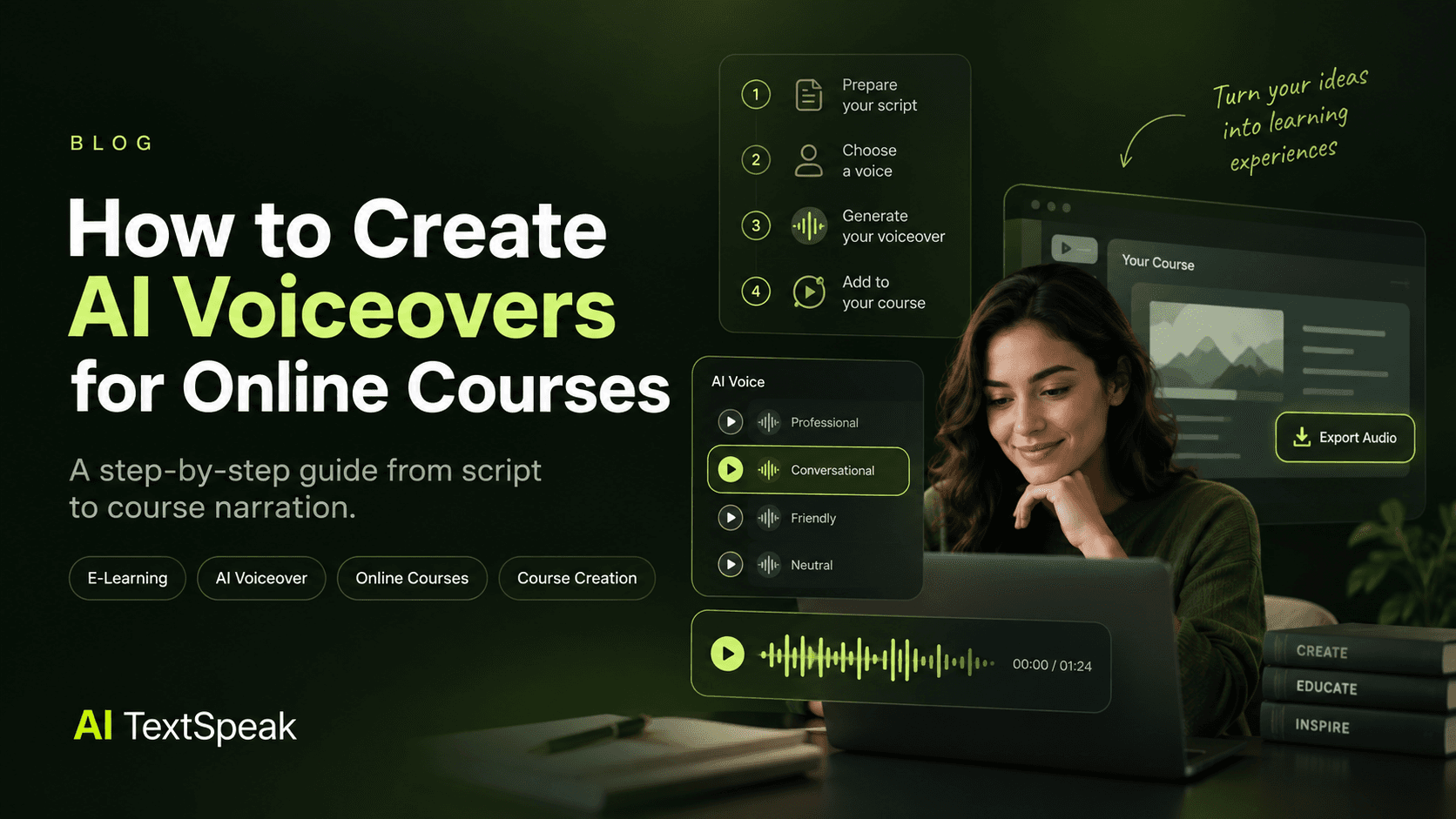
Creating voiceovers for an online course no longer requires a recording studio, professional microphone, or hours of recording sessions. With AI voice technology, course creators can turn written scripts into natural-sounding narration and produce lessons faster.
But generating an AI voiceover is only one part of the process. The quality of the final result depends on the script, voice, pacing, pronunciation, and how the narration works with the rest of the course.
In this guide, you'll learn how to create AI voiceovers for online courses step by step, from preparing your script to generating, reviewing, and adding the final narration to your lessons.
What Is an AI Voiceover for an Online Course?
An AI voiceover is narration generated from written text using artificial intelligence and text-to-speech technology.
For online courses, this means you can write the narration for a lesson, select an appropriate AI voice, generate the audio, and add it to your presentation, video, tutorial, or learning module.
AI voiceovers can be useful for:
- Online courses
- Employee training
- Corporate learning
- Software tutorials
- Educational videos
- Certification programs
- Language-learning content
- Course introductions and explanations
The main advantage is flexibility. If a lesson changes later, you can update the affected section of the script and generate new narration without scheduling another recording session.
Why Use AI Voiceovers for Online Courses?
Course creators often need to produce a large amount of narration while keeping the voice and delivery consistent across lessons.
AI voiceovers can help with several parts of that workflow.
Faster Production
Instead of recording every lesson manually, you can generate narration directly from your approved script.
This can significantly reduce the time between writing a lesson and having a finished audio track.
Consistent Narration
Using the same AI voice across multiple lessons can help create a consistent listening experience throughout the course.
Easier Course Updates
Courses often need updates. Product training changes, software interfaces evolve, and information becomes outdated.
With AI narration, updating a short section does not necessarily mean recording the entire lesson again.
Multiple Languages
If your course serves an international audience, AI voice technology can also make it easier to create narration in multiple languages.
However, always review pronunciation and naturalness in each language rather than assuming that every generated voice will sound equally natural.
What You Need Before Creating Your AI Voiceover
Before generating any audio, prepare the material that will become the foundation of your narration.
You will typically need:
- A completed or nearly completed course script
- A clear understanding of your target audience
- The preferred language and accent
- A voice style that matches your subject
- Your presentation, video, or lesson structure
- An AI text-to-speech tool
Preparing these elements first makes the voiceover process much smoother.
Step 1: Prepare Your Course Script
The quality of an AI voiceover starts with the quality of the script.
Remember that a script written for reading is not always ideal for listening. Sentences that look perfectly normal on a page can sound unnatural when spoken aloud.
Before generating your narration, review your script for:
- Long or complicated sentences
- Unnecessary jargon
- Awkward transitions
- Abbreviations that may be pronounced incorrectly
- Technical terms
- Numbers and dates
- Instructions that need clear emphasis
Try reading the script aloud yourself. If a sentence feels difficult to say naturally, it may also sound awkward when generated by an AI voice.
Write for Listening
Instead of writing:
"The implementation of the following methodology is characterized by the utilization of three principal components."
A course narrator might communicate the same idea more naturally as:
"This methodology uses three main components."
Shorter, clearer sentences are generally easier for learners to process.
Step 2: Choose the Right AI Voice
Not every AI voice is appropriate for an online course.
The best choice depends on your subject, audience, and the type of learning experience you want to create.
For most educational content, prioritize:
- Clear pronunciation
- Natural pacing
- Comfortable long-form listening
- Consistent delivery
- An appropriate level of expression
- A tone that matches the subject
A corporate compliance course may benefit from a calm and professional voice, while a beginner course may work better with a warmer and more conversational narrator.
If you're comparing different voice styles before making a decision, see our guide to the best AI voices for e-learning.
Step 3: Generate Your AI Voiceover
Once your script and voice are ready, the actual generation process is straightforward.
Using AI Text-to-Speech
With an AI text-to-speech platform such as AI TextSpeak, the basic workflow is:
- Open the voice generation tool.
- Paste or enter your course script.
- Select the language and voice you want to use.
- Preview the narration.
- Generate the audio.
- Review the result before using it in your course.
AI TextSpeak supports a wide range of voices and languages and is designed to turn written scripts into downloadable voiceovers. You can also try the voice demo before creating an account. :contentReference[oaicite:1]{index=1}
Try AI TextSpeak free and create your first AI voiceover.
Step 4: Review the Generated Audio
Never publish an AI voiceover without listening to it first.
Even a high-quality AI voice can occasionally interpret a sentence, acronym, number, or technical term differently from what you intended.
Listen for:
- Incorrect pronunciation
- Unnatural pauses
- Words that run together
- Incorrect emphasis
- Unexpected changes in tone
- Pronunciation of names and technical terms
- Sections that sound too fast or too slow
If something sounds wrong, fix the script rather than assuming the listener will understand what you meant.
Step 5: Improve Pacing and Pauses
Pacing is especially important in e-learning because learners need time to process information.
A voiceover that moves too quickly can make a lesson difficult to follow, particularly when the learner is also reading slides or watching a demonstration.
Use natural pauses:
- Before introducing a new concept
- After an important definition
- Between steps in a process
- Before an example
- After asking a question
Think about the narration from the learner's perspective. The goal is not simply to finish the script quickly. The goal is to make the information easy to absorb.
Step 6: Match the Voiceover With Your Course Content
Once the audio is approved, combine it with the visual part of your lesson.
This might include:
- Presentation slides
- Screen recordings
- Animations
- Demonstrations
- Charts and diagrams
- On-screen text
The narration should support what the learner is seeing rather than simply reading every word displayed on the screen.
Avoid Reading Every Slide Word for Word
If a slide already contains a large block of text, having the narrator read the entire slide can create a poor learning experience.
Instead, use the voiceover to explain, clarify, or expand on the key information.
Step 7: Add Captions and Transcripts
Voiceover should not be the only way learners can access your course information.
Whenever possible, provide captions or transcripts alongside your narration.
This can make your course more accessible and gives learners another way to review important information.
Captions are also useful when learners are studying in environments where they cannot play audio aloud.
Step 8: Export and Add the Voiceover to Your Course
After reviewing the final narration, export the audio in a format supported by your course platform or editing workflow.
Common destinations include:
- Online course platforms
- Learning management systems
- Educational videos
- Corporate training modules
- Presentation software
- Screen-recording projects
Keep your original audio files organized by course, module, and lesson. This makes future updates much easier.
Best Practices for Natural-Sounding Course Voiceovers
Generating the audio is only the beginning. These practices can make the final narration feel much more natural.
Keep One Primary Voice
Unless different characters or instructors are part of your course design, use one primary narrator throughout a learning path.
Use Consistent Terminology
Decide how important technical terms should be pronounced and written before generating multiple lessons.
Break Up Long Lessons
Instead of creating one extremely long audio file, consider organizing narration by lesson or module. This makes editing and updating much easier.
Test Real Course Content
Do not select a voice based only on a short promotional sample. Test it with actual course material.
Include technical terms, numbers, instructions, questions, and longer paragraphs in your test.
Listen on Different Devices
Check the final narration on headphones, laptop speakers, and mobile devices when possible.
A voice that sounds excellent in a studio environment may behave differently on smaller speakers.
Common Mistakes to Avoid
Choosing a Voice Because It Sounds Impressive
The most dramatic or realistic voice is not necessarily the best educational voice.
For e-learning, clarity and comfort often matter more than performance.
Generating the Entire Course Before Testing
Always create a short sample first.
It is much easier to change a voice after testing one lesson than after generating dozens of hours of narration.
Ignoring Pronunciation
Technical terms, acronyms, names, and specialized vocabulary deserve extra attention.
Making the Narration Too Fast
Remember that your learner may be reading, watching a demonstration, or taking notes while listening.
Skipping the Final Review
AI-generated audio should still go through a human quality check before publication.
AI Voiceovers vs. Human Narration
AI voiceovers are not automatically better than human narration. The right choice depends on your course and production requirements.
| Factor | AI Voiceover | Human Narration |
|---|---|---|
| Production speed | Fast | Usually slower |
| Course updates | Easy to regenerate | May require another recording session |
| Consistency | Highly consistent | Can vary between sessions |
| Personal performance | Limited by available voice styles | Strong human expression |
| Scalability | Easy to scale across many lessons | Requires additional recording time |
| Multilingual production | Can simplify localization | Requires additional narrators or language skills |
For courses that need frequent updates, multiple languages, or large amounts of narration, AI voiceovers can be a practical production option.
How Much Course Content Can You Create With AI Voice?
The answer depends on your script length, course structure, and the limits of the AI voice platform you choose.
A useful approach is to estimate your total narration before starting production.
For example, if your course contains 10 lessons and each lesson has approximately 1,000 words of narration, you will need to generate roughly 10,000 words of audio.
Knowing your approximate volume helps you choose an appropriate AI voice plan and organize your production workflow.
Can AI Voiceovers Be Used for Paid Online Courses?
They can, but you should always check the commercial-use terms of the AI voice platform you choose.
This matters if you are selling courses, creating training for clients, monetizing educational videos, or distributing paid learning materials.
AI TextSpeak states that its voiceovers can be used for commercial purposes, including e-learning content. Still, always review the current license and plan terms before publishing a commercial project. :contentReference[oaicite:2]{index=2}
Frequently Asked Questions
What is the best AI voice for an online course?
The best voice depends on your subject and audience. For most courses, prioritize clarity, natural pacing, consistent pronunciation, and comfortable long-form listening.
How do I create an AI voiceover for an online course?
Prepare your course script, choose an appropriate AI voice, generate the narration, review the audio, make any necessary adjustments, and add the final voiceover to your course lessons.
Can I use AI voiceovers for a paid course?
Yes, provided the AI voice platform you use grants the appropriate commercial rights. Always check the licensing terms before publishing paid educational content.
Are AI voiceovers good for e-learning?
They can be. AI voiceovers are particularly useful when you need consistent narration, fast production, frequent updates, or multilingual course content.
Should I use the same AI voice for every course lesson?
Using the same primary narrator can create a more consistent learning experience. However, different voices can make sense when the course intentionally uses multiple instructors, characters, or perspectives.
How can I make an AI voiceover sound more natural?
Start with a script written for listening, use natural sentence structures, test pronunciation, add appropriate pauses, choose a suitable voice, and review the generated audio before publishing.
Start Creating AI Voiceovers for Your Online Course
Creating course narration with AI does not have to be complicated. A strong workflow is simple:
- Prepare your script.
- Choose the right voice.
- Generate a short test.
- Review pronunciation and pacing.
- Generate the final narration.
- Add it to your course content.
- Review the finished lesson before publishing.
The most important step is not generating the audio. It is making sure the voice supports the learning experience.
When the script, voice, pacing, and visuals work together, AI voiceovers can help course creators produce professional educational content faster and update it more easily.
Ready to Create Your Course Voiceover?
AI TextSpeak lets you turn your course scripts into AI voiceovers quickly, with a wide selection of voices and languages to choose from.
You can test the voice experience before committing to a subscription and start creating your first voiceover for free.
Ready to Try AI TextSpeak?
Create professional voiceovers in seconds with our AI technology.
Start free trial